Featured
Figma
Screenshots
 1 / 2
1 / 2The Story
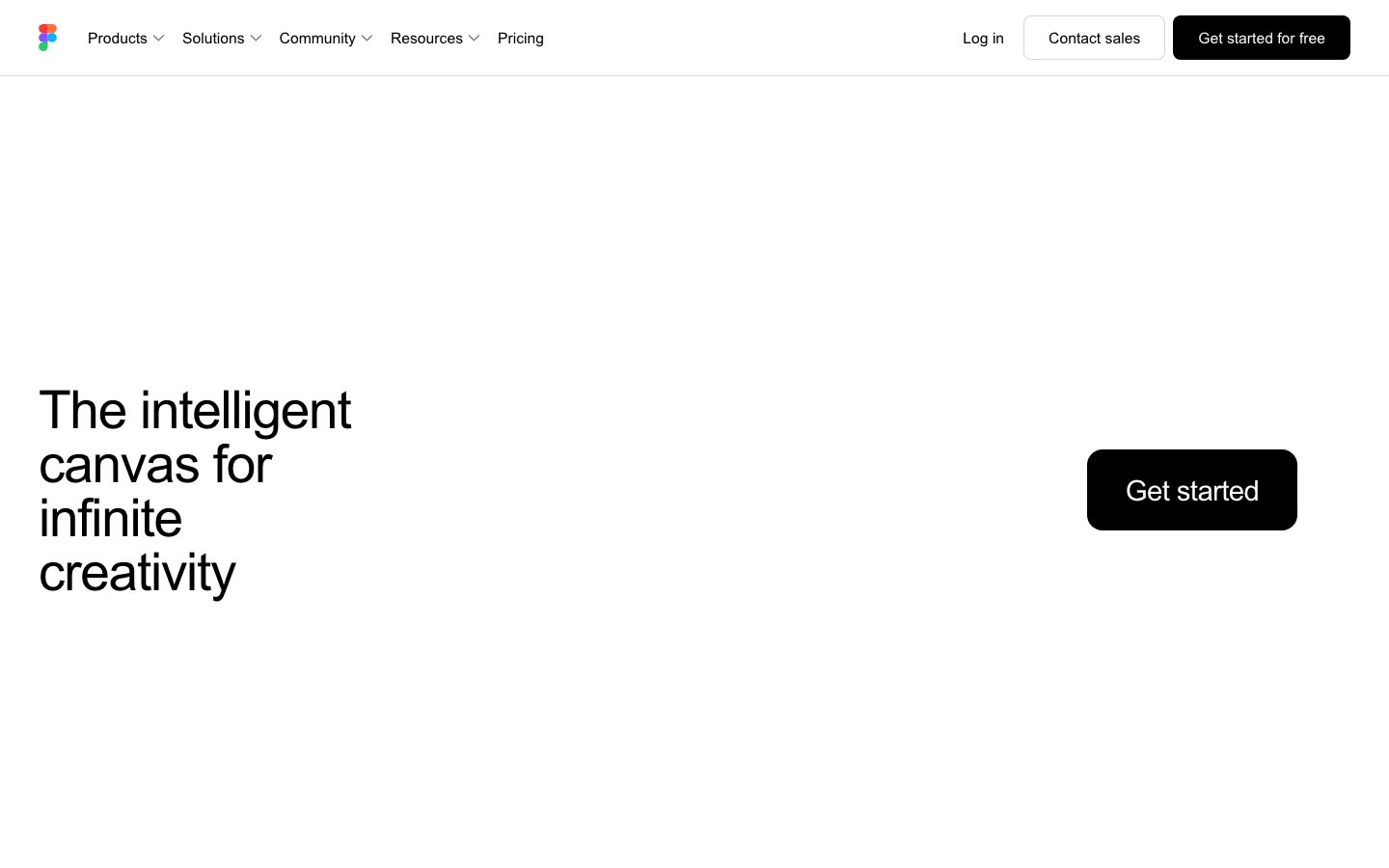
Figma is a design tool that runs in the browser and lets several people edit the same file at once. Cursors are visible, changes appear live, and a comment can be attached to a specific element, which removes the file-versioning and hand-off problems that a desktop design tool creates.
The product covers interface design: frames and layout, components with variants, a shared library of styles and components across files, and prototyping with transitions between screens. Design tokens and variables let a theme be changed in one place, and the developer hand-off view exposes measurements and assets.
Because the file lives in the browser, the same link serves designers, engineers, and stakeholders, which is why the tool spread beyond design teams. The tradeoff is dependence on a hosted service: there is no offline-first mode comparable to a desktop application, and the organisation's design assets live in a vendor's account.
Overview
Figma's foundational change was to make the design file a hosted, simultaneously editable document rather than a binary passed between machines.
Several people edit the same file at once, with cursors and selections visible. Comments attach to specific elements rather than to a page number, and a thread resolves in place. That removes the versioning problem of a desktop file being emailed around and the ambiguity of feedback that refers to a screenshot.
The design surface covers interface work: frames and auto-layout for responsive structure, components with variants, and shared libraries so a style or component is defined once and consumed across files. Variables and tokens let a theme change propagate, and prototyping connects screens with transitions for a clickable flow.
Because the file is a link, the same artifact serves designers, engineers, and stakeholders, which is why adoption spread past design teams. The cost is dependence on a hosted service: there is no equivalent of a fully offline desktop application, and the organisation's design assets live in a vendor account.
Key Features
- Multiplayer editing
Several people edit one file simultaneously with visible cursors, so there is no version to reconcile.
- Components and libraries
Components with variants and shared libraries define a style once and consume it across files.
- Prototyping
Screens connect with transitions to produce a clickable flow for review without building it.
- Developer hand-off
Measurements, styles, and assets are exposed in a view engineers can inspect directly.
Where Figma is a strong choice, and where it is not
Choose Figma when interface design needs to be reviewed and edited by several people at once, and the design system should be shared across files.
Look elsewhere if the work must be done offline or the organisation cannot host design assets with a third party. There is no offline-first mode comparable to a desktop tool.
Getting started
A file is editable in the browser immediately; building a shared library is the real investment.
- ImmediateTime to first frame
Open a file and draw. No install and no project setup.
- FreeCost to start
The free tier covers a limited number of files and editors. Paid plans add history and libraries.
- NothingPrerequisites
A browser. The desktop app is optional.
Known limitations
Constraints confirmed from the product's documentation.
- Hosted only. There is no offline-first mode comparable to a desktop design tool, and files live with the vendor.
- Free-tier file limit. The free plan caps how many files and editors a team can have.
- Version history is a paid feature beyond a limited window, which matters when reviewing an older iteration.
- Performance degrades on very large files. A file with thousands of layers gets slow, as with any browser-rendered canvas.
Pick Figma when design needs to be reviewed by several people
Multiplayer editing removes the versioning problem of a desktop file being passed around.
Because the file is a link, the same artifact serves designers, engineers, and stakeholders, which is why adoption spread past design teams.
If the work must happen offline or assets cannot be hosted with a third party, a desktop tool is the alternative.
FAQ
What is Figma?
Figma is a browser-based interface design tool where several people can edit the same file simultaneously.
Is Figma free?
Figma lists a free tier alongside per-seat paid plans. Check the pricing page for current file and collaboration limits.
Does Figma work offline?
It is a hosted tool, so there is no offline-first mode comparable to a desktop design application.
Can Figma be used for a design system?
Yes. Components with variants and shared libraries let styles and components be defined once and consumed across files.
What stack is Figma built with?
CompassPad records Figma as a TypeScript and React application with a Rust and C++ rendering engine, based on public engineering writing.
What we checked
- LIVESite and primary link
The marketing site resolved and the primary product link reached the application.
- PRICINGPricing page
The pricing page resolved and lists a free tier alongside per-seat paid plans.
- DOCSDocumentation
Help documentation is public and covers components, prototyping, variables, and hand-off.
- FRESHNESSChangelog
A dated public release notes page is published and reachable without an account.
Discussion
No comments yet. Be the first.
Join the conversation. Sign up to comment.
Sign up free