
Screenshots
 1 / 2
1 / 2The Story
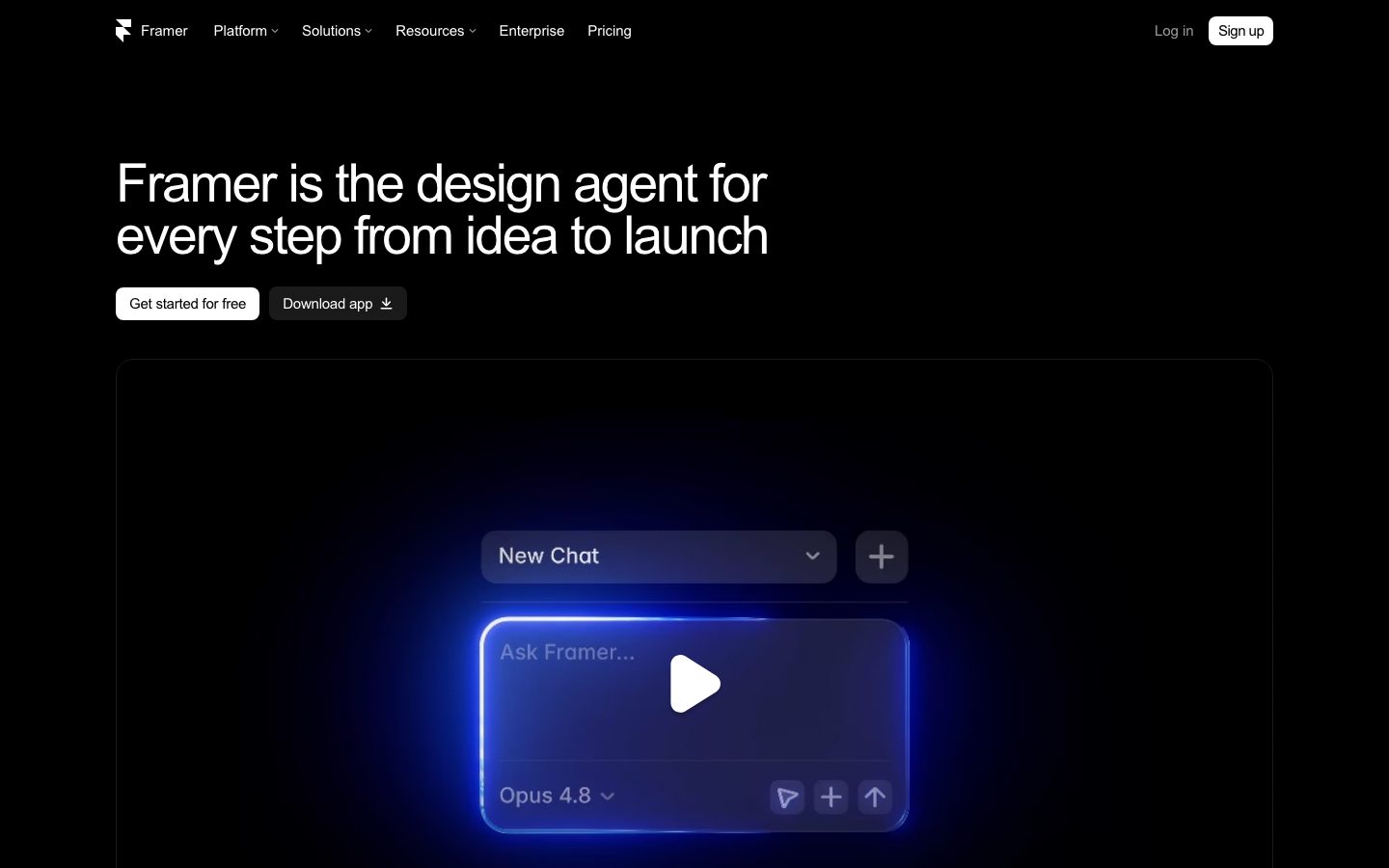
Framer is a design and publishing tool where the canvas and the live site are the same artifact. A designer lays out breakpoints visually, and publishing produces a hosted site with no separate build step or handoff to an engineer.
The product covers the ground a design tool and a site builder would otherwise cover separately. Components can have variants and interactions, content can be bound to a CMS collection, and animations are configured on the canvas rather than written as code. Effects such as scroll transforms are set up through the same visual interface.
The tradeoff is the boundary of the tool. A site that fits Framer's model ships quickly and looks polished; a site that needs custom server logic, unusual routing, or a data layer outside the CMS reaches the edge of what the canvas can express. Teams sometimes publish a marketing site in Framer while the product itself is built elsewhere.
Overview
Framer's premise is that the design surface and the published site should be one artifact rather than two with a translation step between them.
Layout happens on a visual canvas with breakpoints, and publishing produces a hosted site directly. There is no export step and no separate implementation of the same design, which removes the class of drift where the built page stops matching the file it came from.
Interaction is configured rather than coded. Components have variants and states, transitions are defined between them, and scroll and hover effects are set up through the same interface. Content can be bound to a CMS collection so a page template renders many entries without duplicating the layout.
The boundary is custom logic. A site that fits the canvas model ships quickly; one that needs server-side computation, unusual routing, or integration with a data layer outside the CMS will reach the limit of what can be expressed. Teams often publish the marketing site here and build the product elsewhere.
Key Features
- Canvas to live site
Publishing produces a hosted site directly from the design canvas, with no export or separate implementation step.
- Variants and interactions
Components hold multiple states, and transitions between them are configured visually rather than written as code.
- CMS collections
Content is bound to collections so one template renders many entries without duplicating the layout.
- Responsive breakpoints
Layouts are defined per breakpoint on the canvas, so the published site matches what was designed at each size.
Where Framer is a strong choice, and where it is not
Choose Framer for marketing sites, landing pages, and portfolios where visual polish and fast iteration matter more than custom server behaviour.
Look elsewhere for applications with server-side logic, complex routing, or a data layer the CMS cannot reach. The canvas is the product, and it is not a general application framework.
Getting started
A page can be published the same day; the design work is the constraint, not the tooling.
- ~30 minTime to published page
Start from a template or a blank canvas and publish to a hosted URL without a build step.
- FreeCost to start
The free tier allows a site on a Framer subdomain. Custom domains require a paid plan.
- NothingPrerequisites
No code and no hosting setup. A custom domain needs DNS access.
Known limitations
Constraints confirmed from the product's documentation.
- Custom logic is limited. Server-side computation and unusual routing reach the edge of what the canvas expresses.
- Hosted only. The site runs on Framer's infrastructure, so there is no export to self-host.
- Design is the bottleneck. The tool removes implementation work, not the need for design judgement.
- Content structure is opinionated. The CMS covers collection-style content, not arbitrary relational data.
Pick Framer when the site is a marketing surface
It removes the handoff between the design file and the built page, which is where a lot of marketing-site time is lost.
The value is that the canvas and the live site are the same artifact. A change is published rather than reimplemented, so iteration is fast.
If the site needs custom server logic or a data layer outside the CMS, it belongs in an application framework rather than a design tool.
FAQ
What is Framer?
Framer is a visual design tool that publishes the site it designs, with no separate build or handoff step.
Is Framer free?
Framer lists a free tier alongside per-site paid plans. Check the pricing page for current limits and custom domains.
Can Framer handle a CMS?
Yes. Content can be bound to collections so one template renders many entries.
Does Framer support custom code?
It supports code components, but sites needing substantial server-side logic generally outgrow what the canvas expresses.
What stack is Framer built with?
CompassPad records Framer as a React and TypeScript application, based on public documentation and job listings.
What we checked
- LIVESite and primary link
The marketing site resolved and the primary product link reached the application.
- PRICINGPricing page
The pricing page resolved and lists a free tier alongside per-site paid plans.
- DOCSDocumentation
Help documentation is public and covers publishing, variants, the CMS, and breakpoints.
- FRESHNESSChangelog
A dated public updates page is published and reachable without an account.
Discussion
No comments yet. Be the first.
Join the conversation. Sign up to comment.
Sign up free