
Open WebUI
Screenshots
The Story
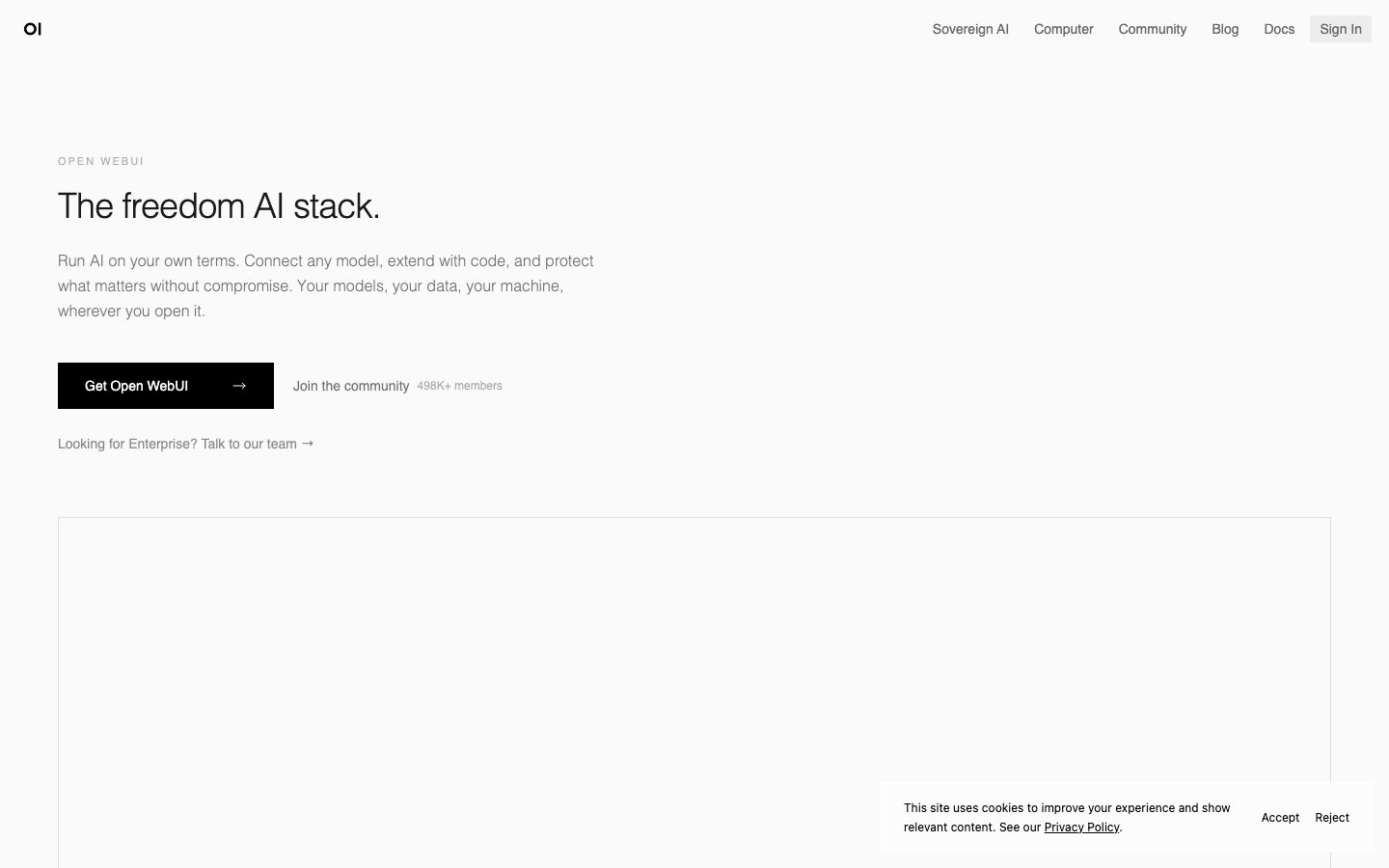
Open WebUI is a chat front end that runs on your own machine or server and connects to local runtimes such as Ollama and to hosted model APIs. It provides the interface a hosted chat product provides, without the conversation leaving your infrastructure.
The feature set covers what a team expects from a chat interface: multiple conversations with history, model switching, prompt presets, document upload for retrieval, and web search integration. Multi-user support adds accounts and roles, so a small team can share one deployment with separate conversations and access to different models.
It is a front end rather than a model runtime, so it needs something to talk to. The project is open source and self-hostable, and the tradeoff is operational: running it means running a container, a database, and whichever model backend it is pointed at.
Overview
Open WebUI supplies the interface layer of a chat product and leaves the model and the infrastructure to the operator.
The application is a web chat front end. It connects to a local runtime such as Ollama or to a hosted model API, and the conversation history lives in your own deployment rather than in a vendor's account. That is the reason it is adopted in environments where prompts cannot be sent to a third party.
The feature set mirrors what a hosted chat product offers: multiple conversations, model switching, reusable prompt presets, document upload for retrieval, and optional web search. Multi-user support adds accounts and roles, so a team can share one deployment while keeping conversations separate and controlling which models each account can reach.
It is a front end, not a model runtime, so it needs a backend to talk to. Running it means operating a container, a database, and whichever model server it points at, which is the operational cost that comes with keeping the data in-house.
Key Features
- Connects to local and hosted models
Ollama and hosted model APIs can be configured side by side, so a team can switch between them per conversation.
- Multi-user accounts
Accounts and roles let one deployment serve a team with separate conversations and per-account model access.
- Document retrieval
Documents can be uploaded and used as context, which covers the internal-document question-answering case.
- Self-hosted data
Conversations stay inside your own deployment, which is the reason it is adopted where prompts cannot leave the network.
Where Open WebUI is a strong choice, and where it is not
Choose Open WebUI when you already run a local model runtime or have API keys, and you want a chat interface whose conversation data stays on your own infrastructure.
Look elsewhere if you would rather not operate any infrastructure, or if you need the model itself rather than the interface. Open WebUI provides the front end only.
Getting started
A container starts in minutes; the model backend is a separate setup.
- ~10 minTime to first chat
Run the container and the interface is available. Point it at a model backend to get answers.
- FreeCost to start
Open source and free to self-host. Model and hosting costs are separate.
- DockerPrerequisites
Docker, plus a model runtime such as Ollama or an API key.
Known limitations
Constraints confirmed from the project's documentation.
- It is a front end, not a model. Without a backend it cannot answer anything.
- Self-hosting is your responsibility. The container, database, and upgrades are yours.
- Retrieval quality depends on configuration. Document upload works, and chunking settings determine how well.
- Hardware limits apply to local models. Speed follows whatever backend you point it at.
Pick Open WebUI when conversations should stay on your infrastructure
It provides the interface of a hosted chat product while the conversation data stays in your own deployment.
The differentiator is control: multi-user accounts and per-account model access on infrastructure you run.
If you would rather not operate anything, a hosted chat product removes that work.
FAQ
What is Open WebUI?
Open WebUI is a self-hosted chat interface that connects to local runtimes such as Ollama and to hosted model APIs.
Is Open WebUI free?
Yes. The project is open source and free to self-host; hosting and model costs are separate.
Does it include a model?
No. It is a front end and needs a model runtime or an API key to talk to.
Can several people share one deployment?
Yes. Multi-user support adds accounts and roles with per-account model access.
What stack is Open WebUI built with?
CompassPad records Open WebUI as a Python backend with a Svelte frontend, based on its public repository.
What we checked
- LIVESite and primary link
The marketing site resolved and the primary product link reached the application.
- PRICINGPricing page
The project is open source and free to use; there is no paid pricing page for the software.
- DOCSDocumentation
Documentation is public and covers installation, model connections, and retrieval.
- FRESHNESSChangelog
Dated releases are published on the public repository and are reachable without an account.
Discussion
No comments yet. Be the first.
Join the conversation. Sign up to comment.
Sign up free