

Screenshots
 1 / 2
1 / 2The Story
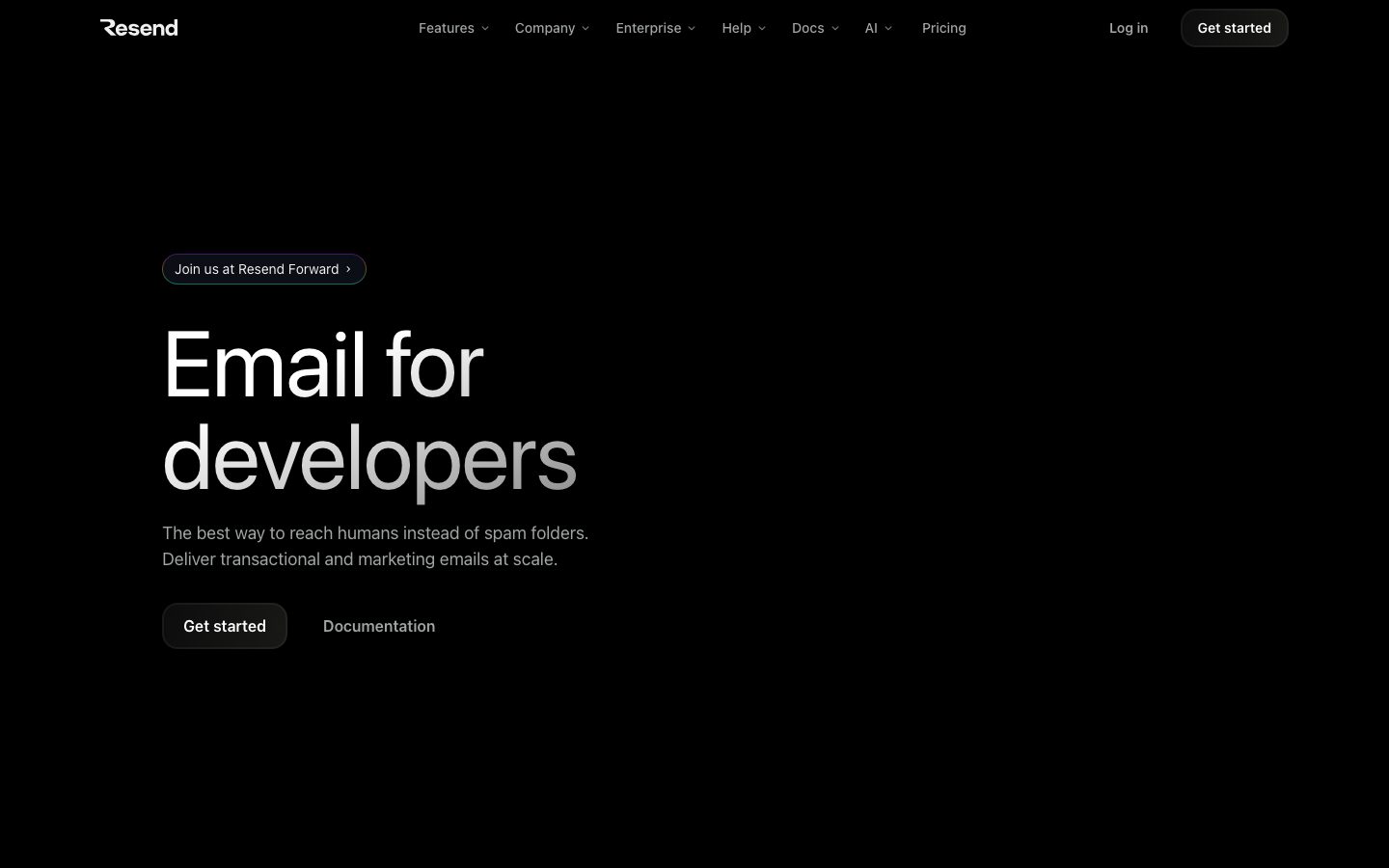
Resend is a transactional email service aimed at developers. The API is a single POST with an API key, and the platform's distinguishing feature is that templates can be written as React components rather than as HTML strings or a hosted drag-and-drop editor.
The product covers the parts of email that are easy to get wrong: domain authentication with SPF, DKIM, and DMARC records; a broadcast product for marketing sends kept separate from transactional traffic; and webhooks for delivery, bounce, and complaint events. Sending is tracked per message so a support question about a specific email can be answered from the dashboard.
Developers adopt it for the API ergonomics and the React template story. Teams with an existing marketing automation suite sometimes keep that for campaigns and use Resend only for the transactional path, since the two have different deliverability expectations and different unsubscribe rules.
Overview
Resend's bet is that transactional email belongs in the application, so the API and the template format should feel like the rest of the codebase.
Sending is one HTTP call with an API key, a from address, a recipient, and a body. The body can be HTML, plain text, or a React component rendered server-side. Because React Email is an open-source project in the same ecosystem, a template can be developed and previewed locally, then sent from the same code path in production.
Deliverability setup is treated as a first-class step. A domain is added, the required SPF, DKIM, and DMARC records are shown for the DNS provider, and verification is tracked in the dashboard until the domain is ready to send. Messages are then tracked individually, with webhooks for delivered, bounced, complained, and opened events.
Transactional and marketing sends are separated into different products with different rules, which matters because unsubscribe requirements and reputation management differ between them. Teams that already run campaigns elsewhere often point only the transactional path at Resend.
Key Features
- React email templates
Templates are React components that can be previewed locally and rendered server-side, so email lives in the same codebase as the rest of the application.
- Domain authentication
SPF, DKIM, and DMARC records are surfaced for the DNS provider and verification is tracked until the domain is ready.
- Delivery webhooks
Per-message events for delivery, bounce, and complaint let the application react to the outcome of a send rather than assume success.
- Broadcasts separate from transactional
Marketing sends live in their own product with their own rules, keeping campaign reputation away from application email.
Where Resend is a strong choice, and where it is not
Choose Resend when the team writes the product in JavaScript or TypeScript and wants email templates to be reviewed and versioned like any other component.
Look elsewhere if you need a full marketing automation suite with visual journey builders, or if your organisation requires an email vendor with a long enterprise track record and a private-cloud deployment option.
Getting started
Sending works on the first try; deliverability depends on finishing the DNS setup.
- ~15 minTime to first email
Create an API key and send. Domain verification is required before sending to real recipients.
- FreeCost to start
The free tier covers a monthly send allowance. Paid plans scale with volume.
- DNS accessPrerequisites
Control of the sending domain's DNS records to add SPF and DKIM.
Known limitations
Constraints confirmed from the product's documentation.
- Deliverability is not guaranteed. Authentication helps, but inbox placement still depends on reputation and content.
- DNS changes take time to propagate. Verification can lag, which blocks sending from a new domain.
- Not a marketing automation suite. There is no visual journey builder; campaigns are a separate product with separate rules.
- Vendor dependency for a critical path. If email is how users reset passwords, the provider is on the critical path.
Pick Resend when email should live in the codebase
React templates that render server-side mean an email is reviewed and versioned like any other component.
The differentiator is developer ergonomics: one API call, templates in the same language as the app, and per-message tracking when something does not arrive.
If you need a full marketing automation platform with visual journeys, that is a different category of product.
FAQ
What is Resend?
Resend is a transactional email API aimed at developers, with React-based templates and built-in domain authentication.
Is Resend free?
Resend lists a free tier alongside usage-based paid plans. Check the pricing page for current sending limits.
Can I write email templates in React?
Yes. Templates can be authored as React components and rendered server-side, with local preview during development.
Does Resend handle domain authentication?
Yes. It surfaces the SPF, DKIM, and DMARC records your DNS provider needs and tracks verification status.
What stack is Resend built with?
CompassPad records Resend as a Node.js and TypeScript service with React Email templates, based on public documentation and job listings.
What we checked
- LIVESite and primary link
The marketing site resolved and the primary product link reached the application.
- PRICINGPricing page
The pricing page resolved and lists a free tier alongside usage-based paid plans.
- DOCSDocumentation
Product documentation is public and covers domains, sending, webhooks, and broadcasts.
- FRESHNESSChangelog
A dated public changelog is published and reachable without an account.
Discussion
No comments yet. Be the first.
Join the conversation. Sign up to comment.
Sign up free