 Featured
Ollama
Screenshots
 1 / 2
1 / 2The Story
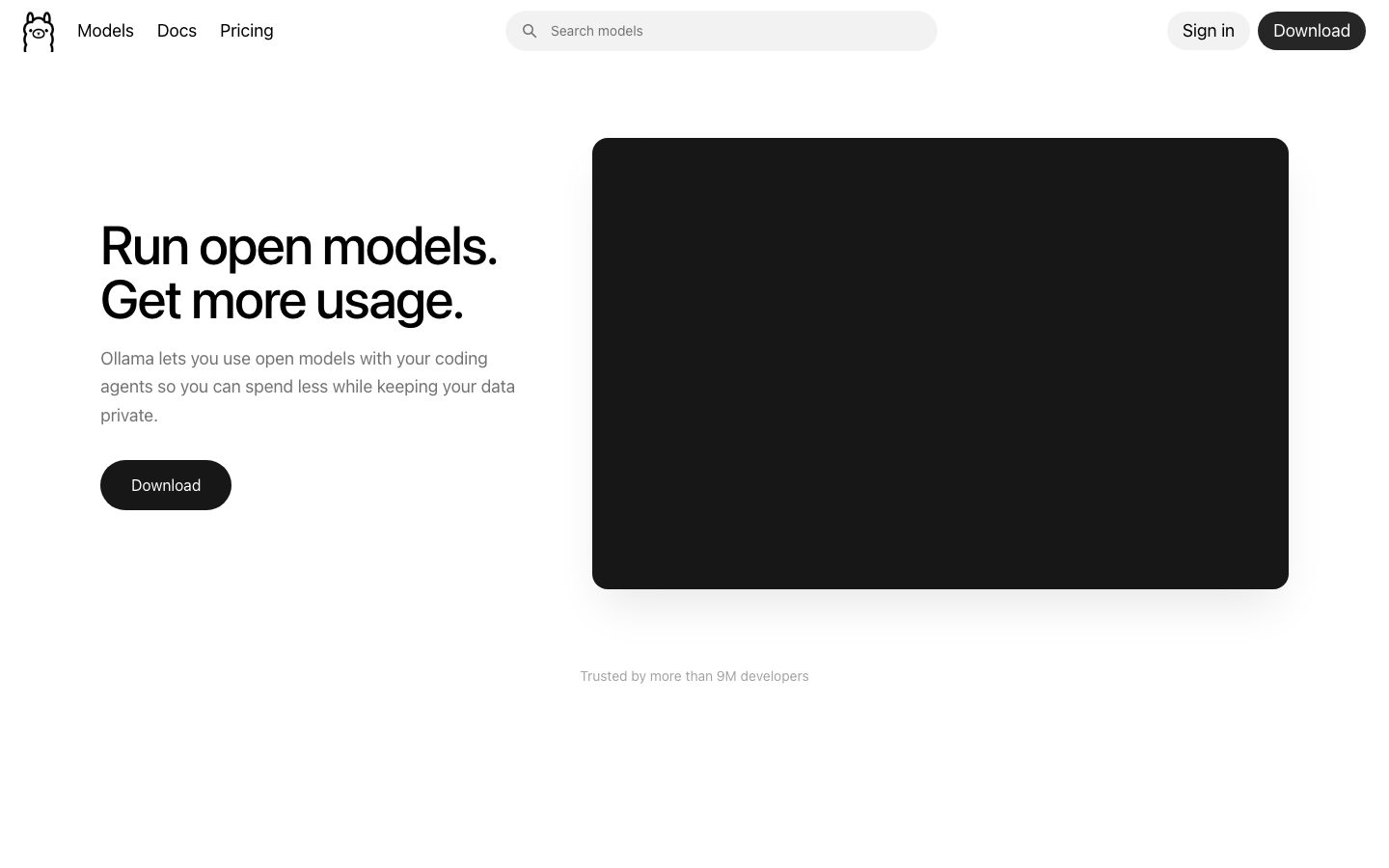
Ollama is a tool for running open-weight language models on your own machine. The workflow is a command: pull a model by name and run it. The tool handles downloading the weights, choosing a quantization that fits available memory, and serving an API the rest of your software can call.
The value is in removing the setup. Running a model locally normally means selecting a runtime, converting weights, and managing memory. Ollama packages that into a model file format and a local server, so a developer can try a model without assembling a stack first.
A local model changes what is possible: prompts and outputs do not leave the machine, there is no per-token cost, and the model works without a network connection. The tradeoff is capability - a model that fits on a laptop is not the same as the largest hosted models - and the local server's API is compatible with common client libraries, so switching a prototype between local and hosted is mostly a configuration change.
Overview
Ollama's contribution is packaging, not a new model.
Pulling a model is one command. Ollama downloads the weights, picks a quantization that fits the machine, and starts serving. The model file format records the layers and parameters so a model can be referenced by name.
The local server exposes an HTTP API that common client libraries already speak. A prototype can point at a local model and later switch to a hosted one by changing the endpoint, which makes the local option a practical first step rather than a separate code path.
Running locally changes the data question. Prompts and outputs stay on the machine, there is no per-token charge, and the model works offline. The limitation is capability: a model that fits in available memory is smaller than the largest hosted models.
Key Features
- One-command model pull
A model is fetched, quantized for the machine, and served without manual setup.
- Local HTTP API
A local server exposes an API that common client libraries already support.
- Offline operation
A local model runs without a network connection and without per-token cost.
- Open-source core
The source is published in a public repository with a license file.
Where Ollama is a strong choice, and where it is not
Choose Ollama if you want to run a model on your own machine - for privacy, for offline work, or to avoid per-token cost while prototyping.
Look elsewhere if you need the strongest available model capability, or if your workload requires throughput that a single local machine cannot provide.
Getting started
A model runs within minutes of installing; how well it runs depends entirely on memory.
- ~5 minTime to first response
Install, pull a model, and it answers. No Python environment or CUDA setup is involved.
- FreeCost to start
The runtime is open source. The real cost is the hardware it runs on.
- 16GB+ RAMPrerequisites
Enough memory for the model you want. A GPU or Apple silicon chip raises the practical ceiling.
Known limitations
Constraints confirmed from the project's documentation.
- Memory is the hard limit. A model that does not fit in memory swaps and becomes unusable, regardless of the machine's CPU.
- Local models are weaker. A model that fits on a laptop is smaller than a frontier hosted model, and quality on hard reasoning reflects that.
- No built-in multi-user support. It is a local runtime, not a shared inference service.
- Model licenses vary. The runtime is open source; the weights you pull carry their own terms.
Pick Ollama when prompts or documents cannot leave the machine
It is the practical way to run a capable model locally without assembling an inference stack by hand.
The value is twofold: data never leaves the machine, and there is no per-token cost. For a task where a smaller model is good enough, that combination is compelling.
If the task needs the strongest available model, a hosted API is still ahead, and no amount of local configuration closes that gap.
FAQ
What is Ollama?
Ollama is a tool for running open-weight language models locally, handling model download, memory fitting, and serving a local API.
Is Ollama free?
Ollama is open source and free to run locally. A hosted cloud offering is offered separately. Check the site for current terms.
Is Ollama open source?
Yes. The source is published in a public repository with a license file. Check the repository for current license terms.
Does Ollama work offline?
Yes. A downloaded model runs locally without a network connection.
What stack is Ollama built with?
CompassPad records Ollama as a Go application with Python components for model handling, based on the public repository.
What we checked
- LIVESite and primary link
The marketing site resolved and the primary product link reached the product itself.
- SOURCESource page
The linked source page resolved and is reachable without an account.
Discussion
No comments yet. Be the first.
Join the conversation. Sign up to comment.
Sign up free