
Screenshots
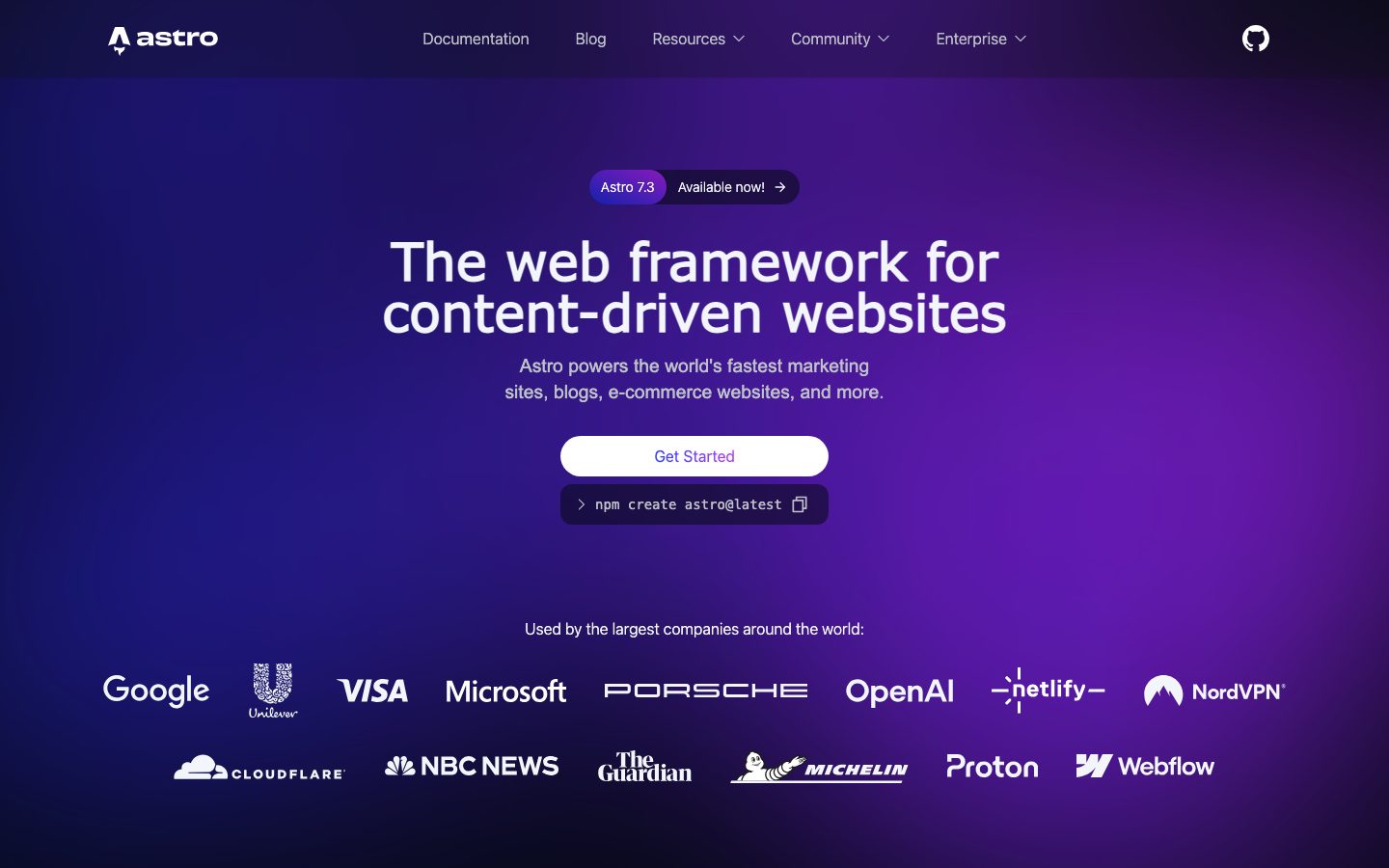
The Story
Astro is a web framework built around content. Pages are authored as components with an HTML-first template syntax, and by default the framework ships no client-side JavaScript for them. Interactive pieces are declared individually and hydrated on their own.
The island model is the core idea: a page is mostly static HTML, and any component that needs interactivity is marked as an island with a hydration directive. That island can be written in React, Vue, Svelte, Solid, or plain JavaScript, and different islands on the same page can use different frameworks. The framework also ships a content collections API that validates front-matter against a schema at build time.
Astro suits marketing sites, documentation, blogs, and content-heavy storefronts where interaction is limited to a few widgets. It is a poorer fit for applications where most of the interface is stateful and interactive, because the island boundaries then multiply and the static-first advantage shrinks.
Overview
Astro inverts the usual framework default: a page ships no client JavaScript unless a component opts into hydration.
A page in Astro is a component file with a frontmatter block and a template. The frontmatter runs at build time, and the template renders to HTML. Nothing is shipped to the browser unless a component is marked with a hydration directive such as client:load or client:visible, at which point that component and its dependencies become an island.
Islands are framework-agnostic. A single page can contain a React component, a Svelte component, and a Vue component, each hydrated independently. This makes incremental adoption realistic: an existing React widget can move into an Astro site without a rewrite, and the rest of the page stays static.
Content collections add build-time validation. A collection declares a schema, and front-matter that does not match fails the build rather than producing a broken page. For documentation and blogs, this catches the class of error that otherwise surfaces as a missing field in production.
Key Features
- Zero JavaScript by default
Pages render to HTML with no client bundle unless a component explicitly opts into hydration.
- Framework-agnostic islands
React, Vue, Svelte, and Solid components can coexist on one page, each hydrated independently.
- Typed content collections
Front-matter is validated against a declared schema at build time, so a malformed entry fails the build.
- Adapter-based deployment
Adapters target static hosting or server runtimes, so the same project can ship as files or as a rendered server.
Where Astro is a strong choice, and where it is not
Choose Astro for marketing sites, documentation, blogs, and content-heavy storefronts where most of the page is static and only a few widgets are interactive.
Look elsewhere for applications where the majority of the interface is stateful and interactive. Once most components are islands, the static-first advantage narrows and a conventional application framework fits better.
Getting started
A site builds in minutes; the design decision is where the islands go.
- ~5 minTime to first build
Scaffold a project and the dev server renders a page with no client JavaScript.
- FreeCost to start
Open source under the MIT license. Only hosting costs money.
- NodePrerequisites
Node.js. A framework integration is optional and added per island.
Known limitations
Constraints confirmed from the framework's documentation.
- Islands add complexity. Once most of a page is interactive, the boundaries multiply and the static-first advantage narrows.
- Not an application framework. State management and routing for a heavily interactive product are better served elsewhere.
- Adapters differ in maturity. Static output is the best-supported path; server adapters vary by host.
- Content collections require discipline. The schema catches malformed front-matter, but someone has to define it.
Pick Astro when most of the page is static
Shipping no JavaScript by default is the differentiator, and it shows up directly in page weight and load time.
The framework inverts the usual default: a page is HTML unless a component asks to be interactive. For content-heavy sites that is the right shape.
If the majority of the interface is stateful, a conventional application framework fits better and the island model becomes overhead.
FAQ
What is Astro?
Astro is a web framework that renders pages to HTML by default and hydrates only the components that declare interactivity.
Is Astro free?
Yes. Astro is open source under the MIT license, so there is no framework licence cost.
What is an island?
An island is an interactive component on an otherwise static page. It is hydrated on its own, and different islands can use different frameworks.
Can I use React with Astro?
Yes. React, Vue, Svelte, and Solid components can be used, including several on the same page.
What stack is Astro built with?
CompassPad records Astro as a TypeScript build tool running on Node.js, based on its public repository and documentation.
What we checked
- LIVESite and primary link
The marketing site resolved and the primary product link reached the application.
- PRICINGPricing page
The project is open source and free to use; there is no paid pricing page for the framework itself.
- DOCSDocumentation
Documentation is public and covers the islands model, content collections, and deployment adapters.
- FRESHNESSChangelog
A dated public blog publishes release notes and is reachable without an account.
Discussion
No comments yet. Be the first.
Join the conversation. Sign up to comment.
Sign up free