Screenshots
 1 / 2
1 / 2The Story
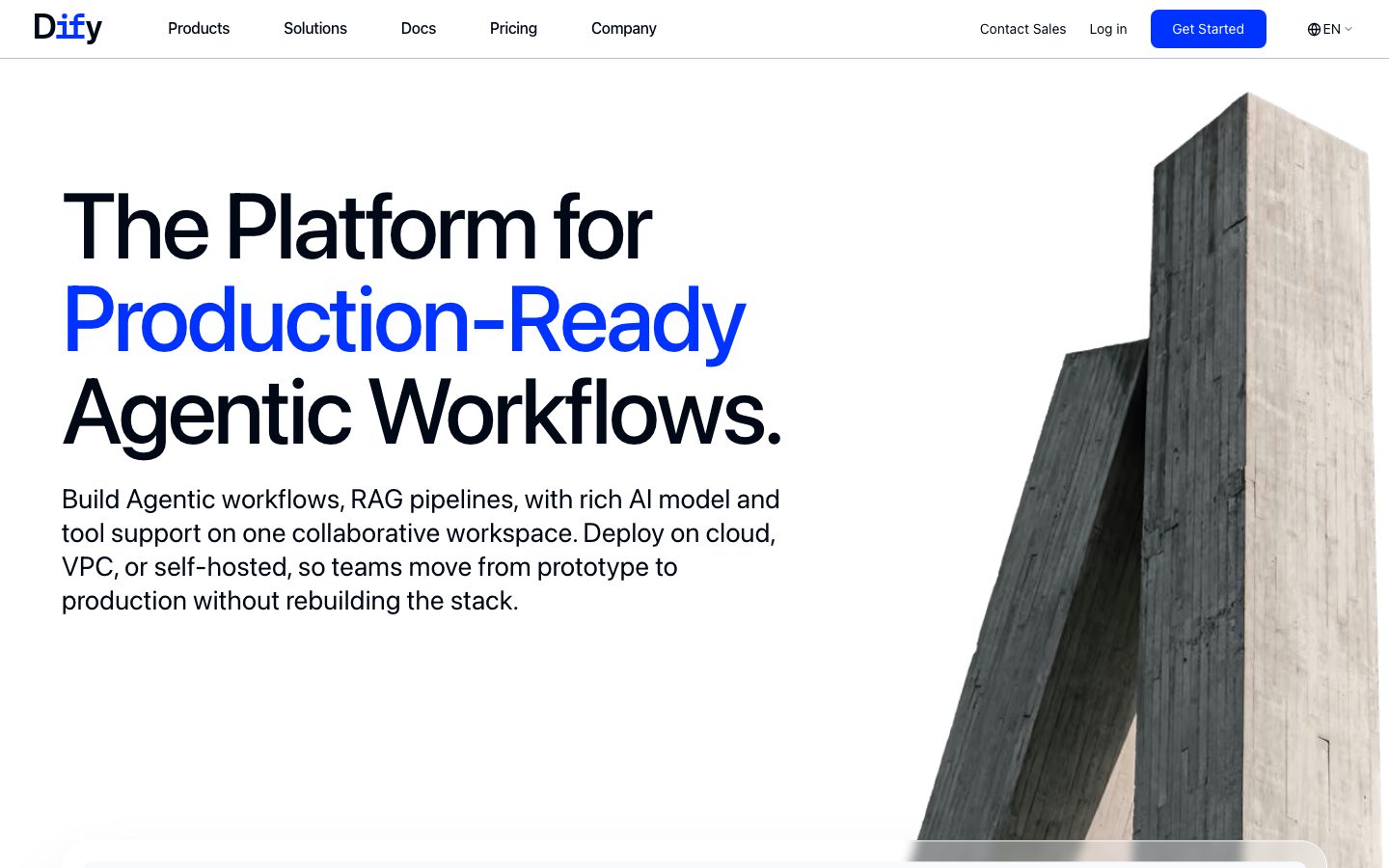
Dify is a platform for building applications on language models. The core surface is a visual workflow editor where a pipeline is assembled from nodes: a model call, a retrieval step, a conditional branch, a code node, and an output. The same project can be exposed as a chat application, an API, or an embedded widget.
The retrieval layer is built in. Documents are uploaded, chunked, embedded, and indexed, and a knowledge base can be attached to a node so a pipeline answers from your own material. Prompt templates, variables, and model configuration are part of the workflow rather than scattered through application code.
The platform is open source and can be self-hosted, which is why some teams adopt it over a hosted orchestration service. The tradeoff is that a visual pipeline is harder to review and version than code, so teams building something complex often move the final implementation into their own codebase once the shape is settled.
Overview
Dify's proposition is that most LLM applications share the same structure, so the structure can be edited visually and published as an API.
A workflow is a graph of nodes. A model call takes a prompt and variables, a retrieval node queries a knowledge base, a conditional node branches on the result, and a code node handles the cases the built-in nodes do not cover. The graph is the application, and the platform runs it.
Retrieval is part of the platform rather than an integration. Documents are uploaded, chunked, embedded, and indexed, and a knowledge base can be attached to any node. Prompt templates and model configuration live in the workflow, so a change to the prompt is a change to the project rather than a code deployment.
Publishing exposes the workflow as a chat application, an API endpoint, or an embeddable widget. The platform is open source and self-hostable, which is the reason some teams choose it over a hosted orchestration service. The tradeoff is reviewability: a visual pipeline is harder to diff and version than code, so complex projects often migrate the final shape into their own codebase.
Key Features
- Visual workflow editor
Model calls, retrieval, branching, and code nodes are assembled on a canvas that becomes the application.
- Built-in retrieval
Documents are chunked, embedded, and indexed, and a knowledge base can be attached to any node in the graph.
- Multiple publish targets
The same workflow can be published as a chat app, an API endpoint, or an embeddable widget.
- Self-hostable
The platform is open source and can run on your own infrastructure where prompts and documents cannot leave the network.
Where Dify is a strong choice, and where it is not
Choose Dify when the goal is to get an LLM application working quickly and the team wants retrieval, prompting, and publishing handled by one platform.
Look elsewhere if the pipeline needs to be reviewed and versioned like code, or if the application has grown complex enough that a visual graph is harder to maintain than the equivalent program.
Getting started
A first workflow runs in an afternoon; retrieval quality is the ongoing work.
- ~1 hourTime to first workflow
Create an app, add a model node, and run it. Publishing as an API is one click.
- FreeCost to start
Self-hosted is free. The cloud free tier covers a small message allowance.
- A model API keyPrerequisites
An API key for a model provider, or a local runtime. Docker to self-host.
Known limitations
Constraints confirmed from the platform's documentation.
- Visual pipelines are hard to review. A graph is not diffable the way code is, which matters as a workflow grows.
- Retrieval quality depends on chunking. Poor chunking produces poor answers regardless of the model.
- Self-hosting is a real stack. The database and services are yours to run and upgrade.
- Complex logic gets awkward. A large graph with many branches is harder to maintain than the equivalent program.
Pick Dify when you want an LLM app working this week
Retrieval, prompting, and publishing are handled by one platform, which removes several integration decisions.
The differentiator is speed to a working application, including the knowledge base and the API endpoint.
If the pipeline needs to be reviewed and versioned like code, or it has grown complex, moving the final shape into your own codebase is the better path.
FAQ
What is Dify?
Dify is an open-source platform for building LLM applications with a visual workflow editor, built-in retrieval, and publishing targets.
Is Dify free?
Dify lists a free tier alongside paid cloud plans, and the core platform is open source and self-hostable.
Does Dify include a knowledge base?
Yes. Documents can be uploaded, chunked, embedded, and attached to a workflow node as a retrieval source.
Can I self-host Dify?
Yes. The platform is open source and can run on your own infrastructure.
What stack is Dify built with?
CompassPad records Dify as a Python backend with a TypeScript and React frontend on PostgreSQL, based on its public repository.
What we checked
- LIVESite and primary link
The marketing site resolved and the primary product link reached the application.
- PRICINGPricing page
The pricing page resolved and lists a free tier alongside paid cloud plans.
- DOCSDocumentation
Documentation is public and covers workflows, knowledge bases, and self-hosting.
- FRESHNESSChangelog
A dated public blog publishes releases and is reachable without an account.
Discussion
No comments yet. Be the first.
Join the conversation. Sign up to comment.
Sign up free