

Screenshots
 1 / 2
1 / 2The Story
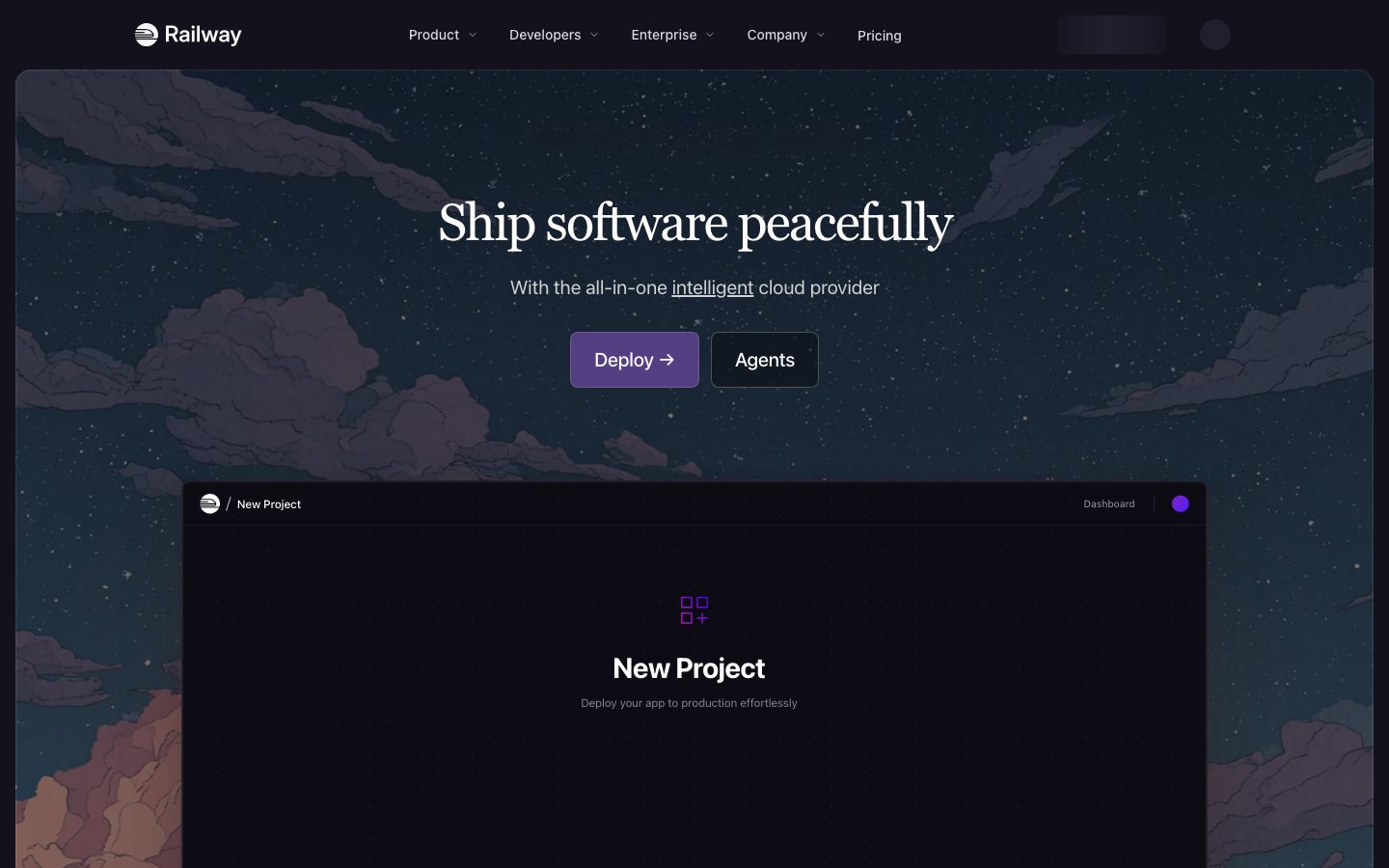
Railway is an application hosting platform that takes a repository and runs it. The workflow is deliberately short: connect a Git provider, pick a repository, and Railway detects the language, installs dependencies, builds, and starts the process. Databases and other services are added as separate components in the same project.
The product's model is a project containing services. A service can be a repository deployment, a database from a template, or a container image. Services reference each other through generated environment variables, so a web service gets a database connection string without a manual copy step.
Configuration is optional rather than required. A repository with no build file still deploys through language detection, and a repository that needs control can add a config file to override the build command, the start command, or the health check. The platform publishes usage-based pricing, a status page, and a changelog, which is what makes the operational claims checkable.
Overview
Railway's abstraction is the project: a container for services that can talk to each other.
A service is a deployable unit. It can come from a Git repository, a database template, or a container image. Deploying a repository triggers a build, and Railway detects the language and framework to choose a buildpack when the repository does not specify one.
Services in the same project share a private network and receive generated environment variables for each other's connection details. A web service that needs a database gets the connection string injected, so the wiring is a platform concern rather than a copy-paste step.
Control is opt-in. A repository can deploy with no configuration at all, or add a config file to set the build command, the start command, the health check path, and the release command. The tradeoff of the managed model is that the underlying infrastructure is not exposed for direct administration.
Key Features
- Deploy from a repository
Connect a Git provider and a repository builds and starts without a Dockerfile in most cases.
- Databases as services
Postgres, MySQL, Redis, and others are added as services in the same project rather than external accounts.
- Generated environment variables
Services receive each other's connection details automatically, removing a manual wiring step.
- Usage-based pricing
Resource consumption is metered and shown in the dashboard, with a published pricing page.
Where Railway is a strong choice, and where it is not
Choose Railway if you want a repository to become a running service quickly and you would rather not manage servers, load balancers, or database provisioning yourself.
Look elsewhere if you need direct control of the host, a specific kernel or network configuration, or a compliance posture that requires running on infrastructure you administer.
Getting started
Deploying an existing repository is a few clicks; the work is knowing what your service needs at runtime.
- ~5 minTime to first deploy
Connect a repository and Railway detects the language, installs dependencies, and starts the service.
- Trial creditCost to start
A trial credit covers initial usage. Ongoing cost is metered by CPU, memory, and egress.
- A repoPrerequisites
A Git repository or a Dockerfile. No infrastructure configuration required to start.
Known limitations
Constraints confirmed from the platform's documentation.
- Usage-based billing is hard to predict. Cost scales with CPU and memory, so a service that idles expensively or leaks memory shows up on the bill rather than as a failed deploy.
- No free tier for production. The trial credit is finite; there is no permanently free plan for a live service.
- Less managed than a platform product. You still choose the runtime, the database, and the scaling behaviour, which is the flexibility and the work.
- Region and compliance options are narrower than a large cloud provider's, which matters for regulated workloads.
Pick Railway when you want a PaaS without a proprietary runtime
It sits between a full cloud provider and a locked-down platform: you bring a normal application and it handles the deployment.
The appeal is that nothing about the application is platform-specific. A Dockerfile or a standard build runs, and moving to another host later is a deployment change rather than a rewrite.
The tradeoff is that you still own the architecture decisions. Teams wanting a managed database, auth, and storage in one product should look at a platform that bundles them.
FAQ
What is Railway?
Railway is an application hosting platform that deploys a repository and runs it, with databases added as services in the same project.
Do I need a Dockerfile to deploy on Railway?
No. Railway detects the language and framework and builds with a buildpack when the repository does not specify its own build configuration.
Can Railway host databases?
Yes. Postgres, MySQL, Redis, and other databases are available as services inside a project.
How is Railway priced?
Railway uses usage-based pricing metered on resource consumption, with a published pricing page.
What stack is Railway built with?
CompassPad records Railway as a Go service layer with a TypeScript and React dashboard, based on public engineering writing and job listings.
What we checked
- LIVESite and primary link
The marketing site resolved and the primary product link reached the product itself.
- PRICINGPricing page
The pricing page resolved and lists the current plans and limits.
- DOCSDocumentation
Public documentation resolved and covers the product's core surfaces.
- CHANGELOGChangelog page
The linked changelog page resolved and is reachable without an account.
Discussion
No comments yet. Be the first.
Join the conversation. Sign up to comment.
Sign up free